
 Kia Sorento: Manual heating and air conditioning (A/C) operation
The heating and cooling system can be controlled manually by pressing buttons other than the AUTO button.
To manually operate the heating and A/C, follow these steps:
- Start the vehicle.
- Set the desired mode.
-
Heating:
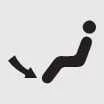
-
Cooling:
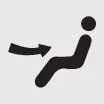
-
- Set the temperature control as desired.
- Set the air intake control to external air.
- Set the desired fan speed. Turn the A/C system on if desired.
Press the AUTO button to switch to the automatically controlled climate system.
Mode selection
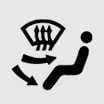
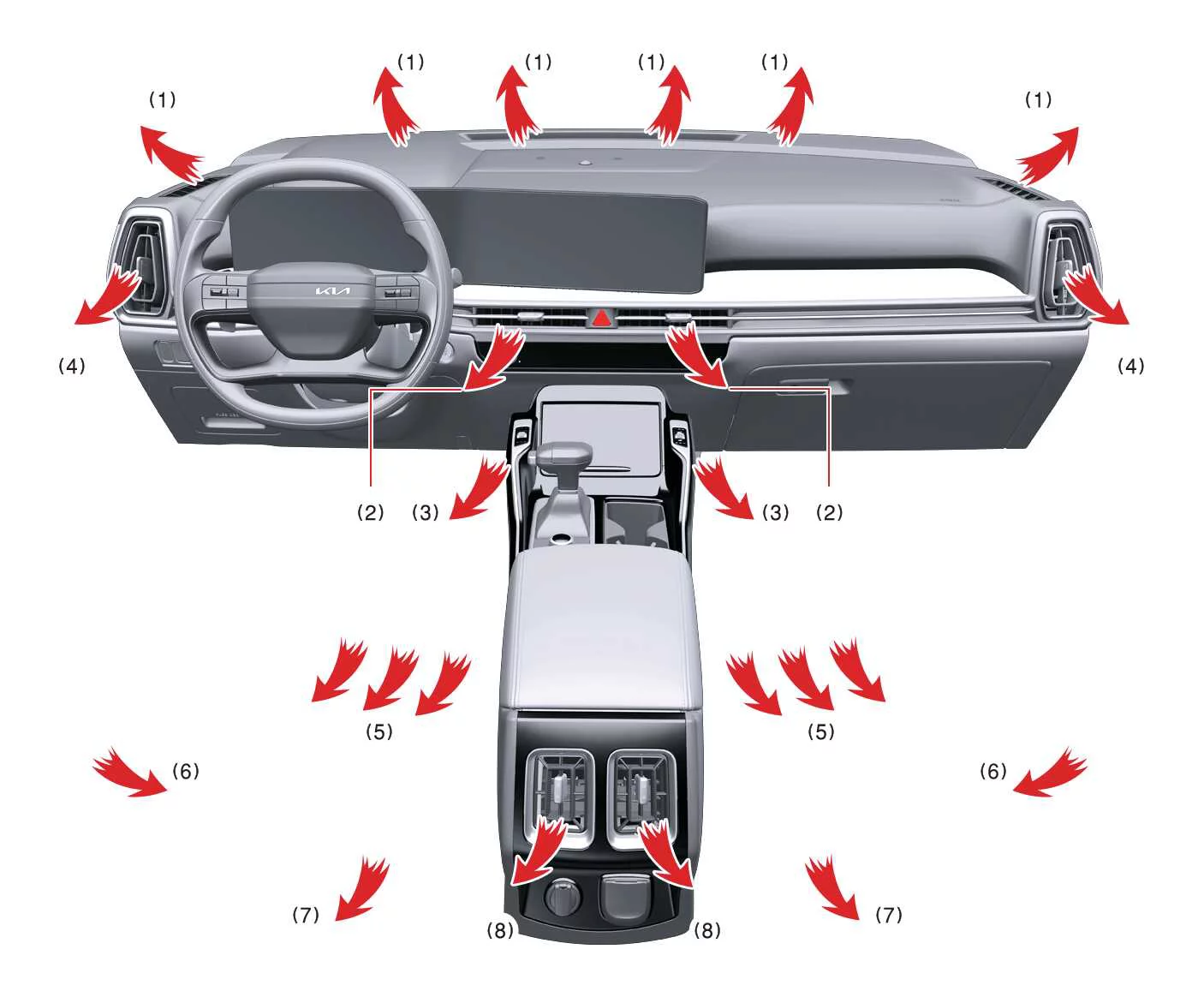
The mode selection button controls the direction of airflow through the ventilation system.
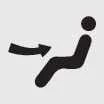 Face-Level (2, 4, 6,
8)
Face-Level (2, 4, 6,
8)
Air flow is directed toward the upper body and face. You can control the direction of the airflow from each vent.
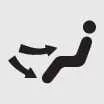 Bi-Level (2, 3, 4, 5, 6,
7,
8)
Bi-Level (2, 3, 4, 5, 6,
7,
8)
Air flow is directed toward the upper body and face and the floor.
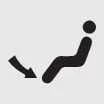 Floor-Level (1,
3,
4, 5, 7, 8)
Floor-Level (1,
3,
4, 5, 7, 8)
Most of the airflow is directed to the floor, and a small amount is directed to the windshield, side window defrosters, and side air vents.
 Floor/Defrost-Level (1,
3,
4, 5, 7, 8)
Floor/Defrost-Level (1,
3,
4, 5, 7, 8)
Most of the airflow is directed to the floor and windshield, and a small amount is directed to the side window defrosters and side air vents.
 Defrost-Level (1,
4)
Defrost-Level (1,
4)
Most of the air flow is directed to the windshield, and a small amount is directed to the side window defrosters and side air vents.
Instrument panel vents
|
|
|
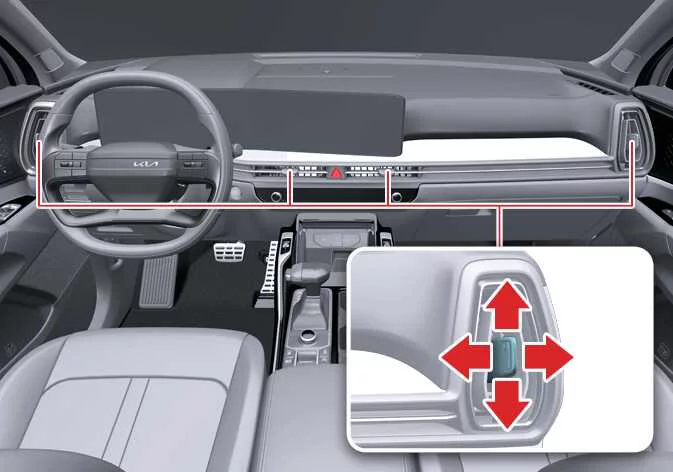
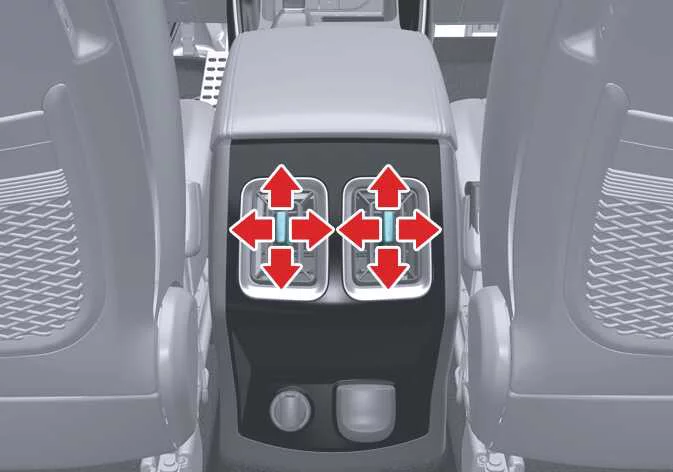
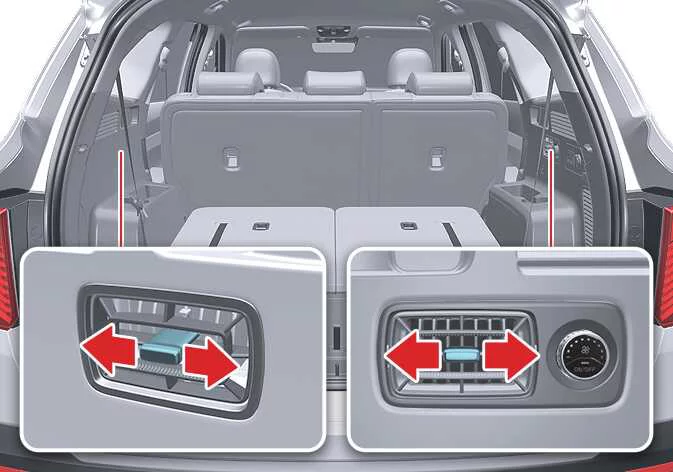
You can adjust the direction of a vent’s airflow using the vent control lever as shown.
Temperature control


Turn the temperature control knob clockwise to increase the temperature or counterclockwise to decrease the temperature.
When set to the lowest temperature setting, the A/C will operate continuously.
Syncing driver and passenger temperature
-
To sync the driver and passenger temperatures, press the SYNC button.
-
The passenger temperature will be set to the same temperature as the driver side. When you adjust the driver temperature control knob, both the driver and passenger temperatures will be adjusted.
-
If you turn the passenger temperature control knob, the SYNC button will turn OFF, and you will be able to operate the passenger temperature independently.
Adjusting the driver and passenger side temperature individually
To adjust the driver and passenger side temperatures individually, press the SYNC button again. The button indicator will turn off.
Changing temperature scale
To switch the temperature scale between Celsius and Fahrenheit, press the AUTO button for at least 3 seconds while pressing the OFF button.
The display will change from Fahrenheit to Celsius or vice versa. If the battery is discharged or disconnected, the temperature scale will reset to Celsius.
Controlling air intake
Select the external or recirculated airflow.
To change the air intake, press the desired control button.
Recirculated air intake
Air from the vehicle cabin is drawn through the heating system and cooled or heated accordingly.
External air intake
Air enters the vehicle from outside and is heated or cooled accordingly.
Controlling fan speed
-
Use the fan speed control button to set the desired fan speed.
-
To change the fan speed, press the right button to increase the speed or the left button to decrease the speed.
-
To turn the fan speed control OFF, press the driver side temperature control knob.
Air conditioning (A/C)
-
To turn the A/C system ON, press the A/C button. The indicator light will illuminate.
-
To turn the A/C system OFF, press the button again.
Turning off the front air climate control
-
To turn the climate control system OFF, press the driver side temperature control knob.
-
You can operate the mode and air intake control buttons as long as the ENGINE START/STOP button is ON.
 Automatic heating and air conditioning (A/C) operation
Press the icon.
The modes, fan speeds, air intake, and air-conditioning are controlled automatically by setting the
temperature.
...
See also:
Removal
1.
Disconnect the negative (-) battery terminal.
2.
Remove the steering column upper and lower shrouds (A) after removing
3 screws.
...
Water Temperature Control Assembly Components
1. O-ring
2. Water temperature control assembly
3. Water inlet fitting
4. Engine coolant temperature sensor
5. Thermostat
6. Thermostat gasket
7. Oil cooler coolant ho ...
Parking Brake Pedal Assembly Adjustment
Parking Brake Pedal Stroke Adjustment
1.
Operate the parking brake pedal through a full stroke over 3 times
for setting the parking cables.
2.
...