
 Kia Sorento: On Vehicle Inspection
Kia Sorento (MQ4, 2021-2026) Service Manual / Body Electrical System / Over The Air (OTA) / On Vehicle Inspection
| On Vehicle Inspection |
OTA Target Controller
|

|
No. |
Controller |
Detail |
|
1 |
ECU |
Engine Control Unit |
|
2 |
SCU |
SBW Control Unit |
|
3 |
TCU |
Transmission Control Unit |
|
4 |
ACU |
Airbag Control Unit |
|
5 |
ATCU |
Auto Temperature Control Unit |
|
6 |
LBCU |
Lumbar Bolster Cushion Unit |
|
7 |
MLM |
MOOD LAMP MODULE |
|
8 |
PSU |
Power Seat Unit |
|
9 |
PTGM |
Power Tailgate Module |
|
10 |
SHVU |
Seat Heater and Ventilation Unit |
|
11 |
CDCU |
Chassis Domain Control Unit |
|
12 |
MDPS |
Motor Driven Power Steering |
|
13 |
IEB |
Integrated Electronic Booster |
|
14 |
ESC |
Electronic Stability Control |
|
15 |
AWD |
All Wheel Drive |
|
16 |
SBW-SHIFTER |
SBW-SHIFTER |
|
17 |
ccNC |
Connected Car Navigation Cockpit |
|
18 |
CLU |
Cluster |
|
19 |
DCU |
Data Connectivity Unit |
|
20 |
ETCS |
Electronic Toll Collection System |
|
21 |
EXT AMP |
external AMPlifier |
|
22 |
HUD |
Head Up display |
|
23 |
VESS |
Virtual Engine Sound System |
|
24 |
ADAS_DRV |
ADAS DRIVING ECU |
|
25 |
ADAS_PRK |
ADAS PARKING ECU |
|
26 |
BMS |
Battery Management System |
|
27 |
SCM |
UNIT ASSY-TILT and TELESCOPIC |
|
28 |
CCU |
Central Communication Unit |
|
29 |
PDC |
Powernet Domain Controller |
|
30 |
BDC |
Body Domain Controller |
|
31 |
UWB_BLE |
Ultra Wideband and Bluetooth Low Energy |
|
32 |
FPM |
FingerPrint Module |
|
33 |
BLTN_CAM |
Built-in Cam |
|
34 |
WPC |
UNIT ASSY-WIRELESS CHARGING |
|
35 |
PSM |
UNIT ASSY-MEMORY POWER SEAT |
|
36 |
MKBD |
Multimedia Keyboard |
Over The Air (OTA) Controller S/W Update
| 1. |
Perform OTA management version update with KDS.
|
| 2. |
Turn off the power switch and connect the KDS.
|
| 3. |
Press the power switch to enter "Vehicle Start" state.
|
| 4. |
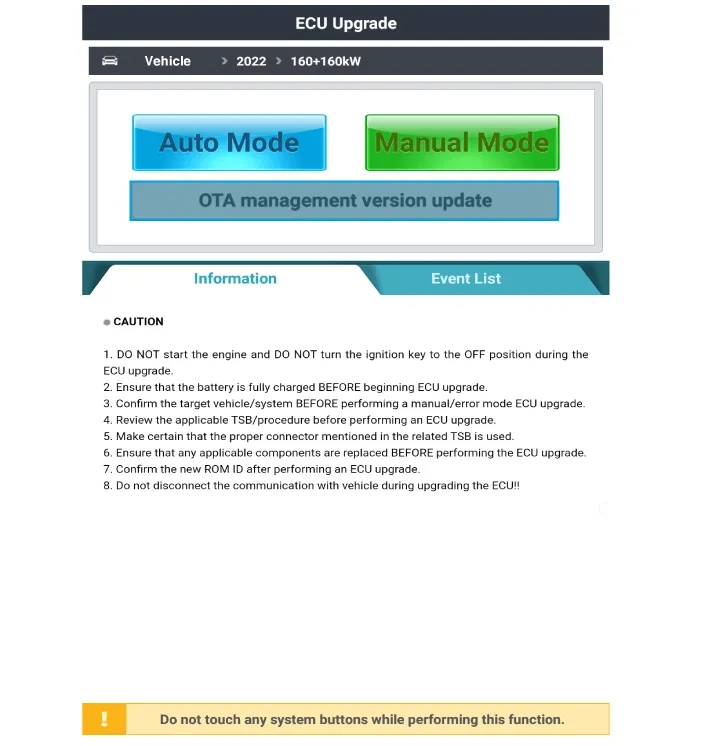
Select "Car Model" and select "ECU Upgrade".
|
| 5. |
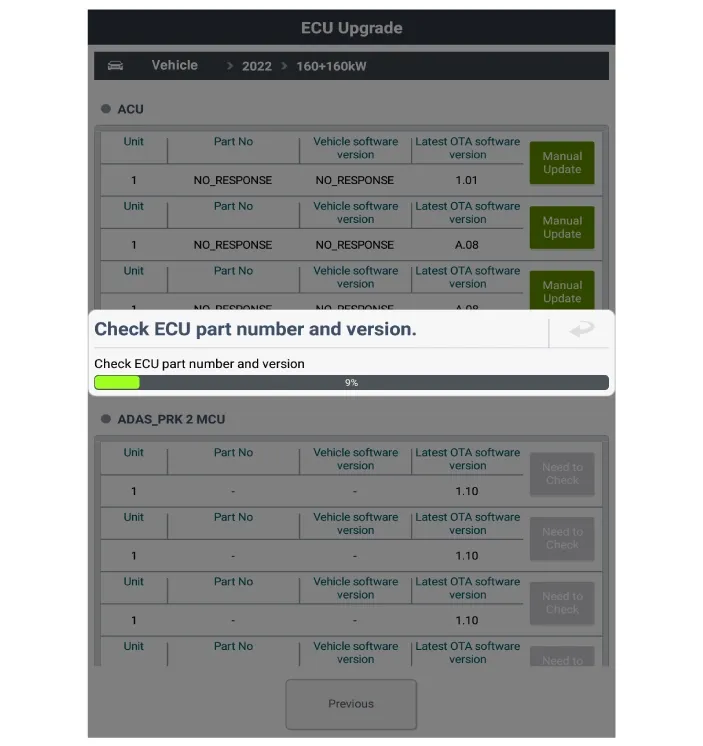
Select "OTA Management Version Update".
|
| 6. |
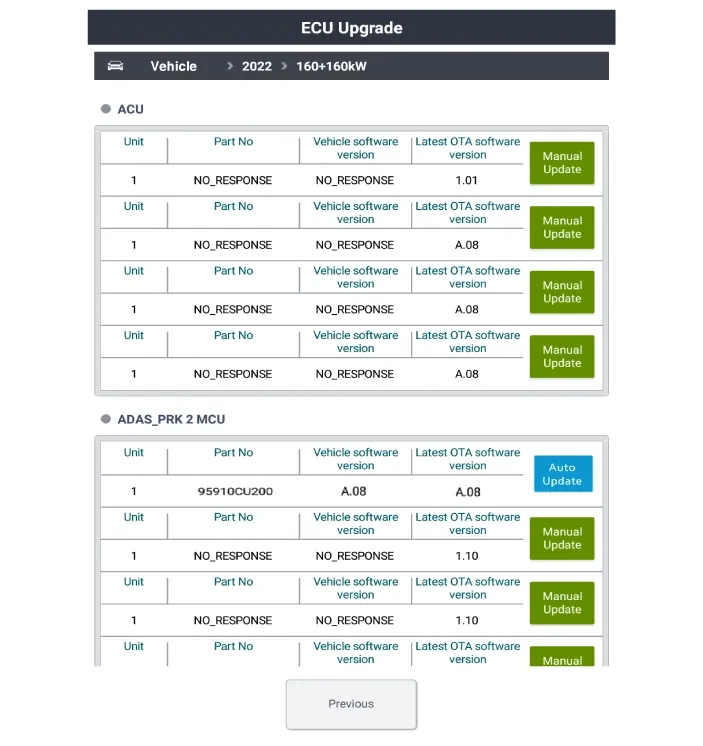
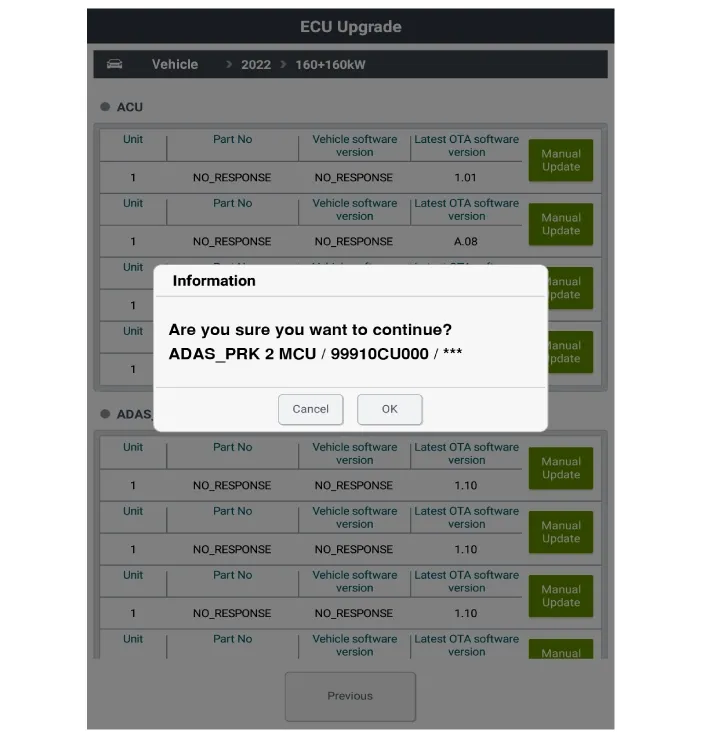
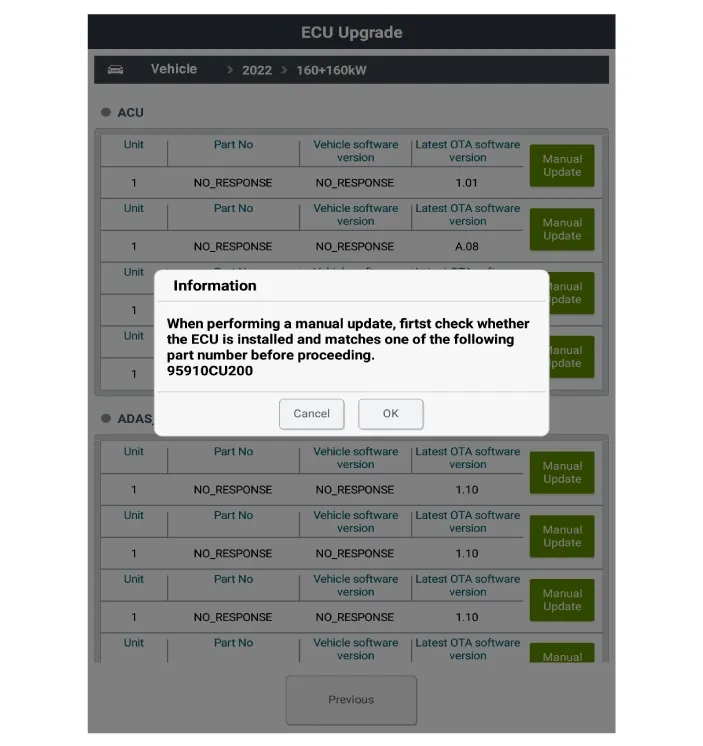
Update by checking the "Part No" and "S/W version" of the controller.
|

| 7. |
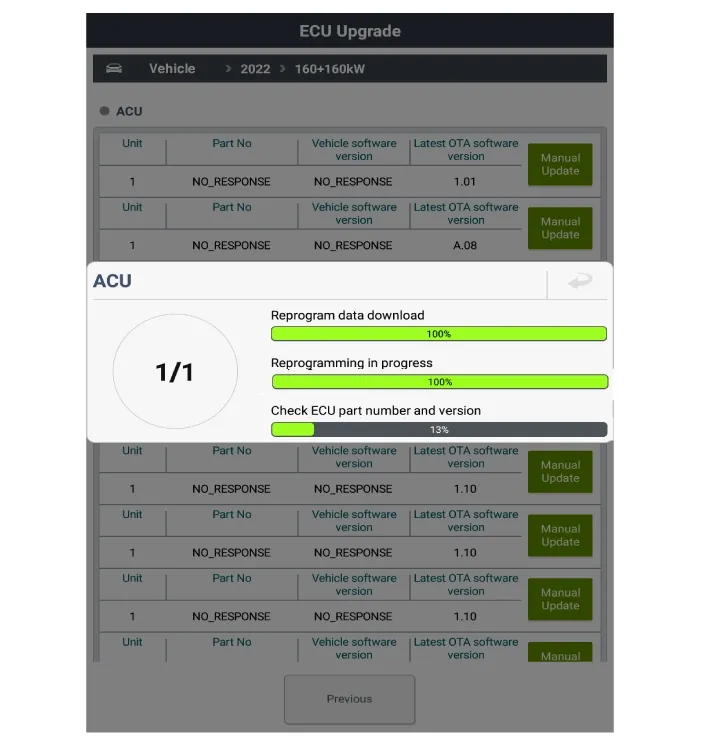
Data download and reprogramming are in progress.
|
| 8. |
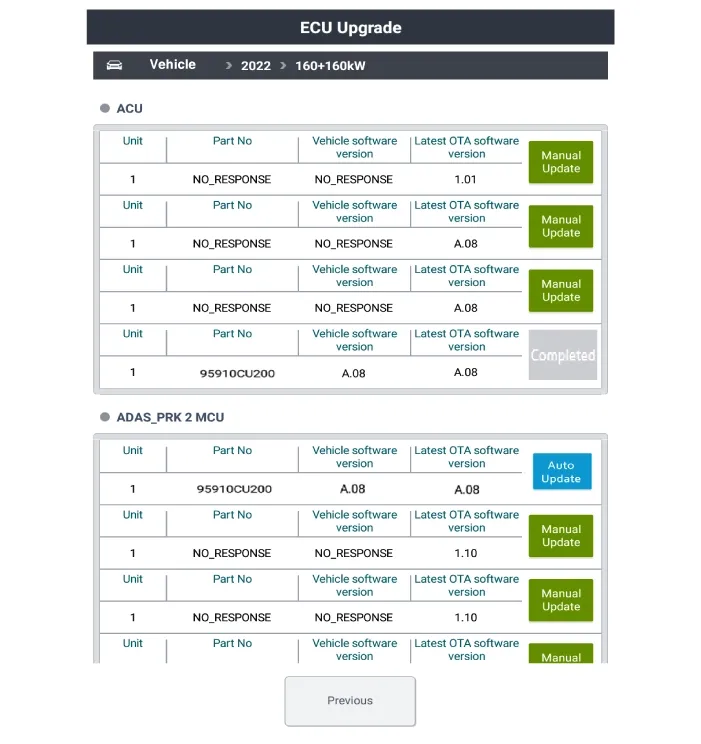
When the update is completed, the activated update button is inactivated and the list is updated with
completion.
|
| 9. |
When the update fails, recheck the OTA management version update function entry conditions and Part No.
|
OTA Update Sequence
...
 OTA Update Sequence
On Vehicle Inspection
Diagnostic with KDS
1.
The Central Communication Unit (CCU) can be quickly diagnosed for problems w...
 Central Communication Unit (CCU) On Vehicle Inspection
See also:
Erasing programmed HomeLink buttons
To erase the three programmed buttons (individual buttons cannot be erased):
Press and hold the left and center buttons simultaneously, until the indicator
light begins to flash (approximately 20 ...
Components
1. Hands free call switch
2. Mic
3. Front left speaker
4. Front right speaker
5. Audio head unit (hands free control)
※ There is no hands free jack. Thi ...
Rear Cross-Traffic Collision-Avoidance Assist malfunction
(A) Check Driver Assistance system
...
Manuals list
- Kia Sorento MQ4 2021-2026 Owners Manual
- Kia Sorento XM 2011-2015 Owners Manual
- Kia Sorento XM 2011-2015 Service Manual

Copyright © www.ksmanual.com 2014-2026 - 0.0772